Hello Muhammad,
from your post I could not find out whether the characters have a fixed specific color or not. If they do have a specific color, then a solution might be (let img be your original image):
red = {.93, .1, .15};
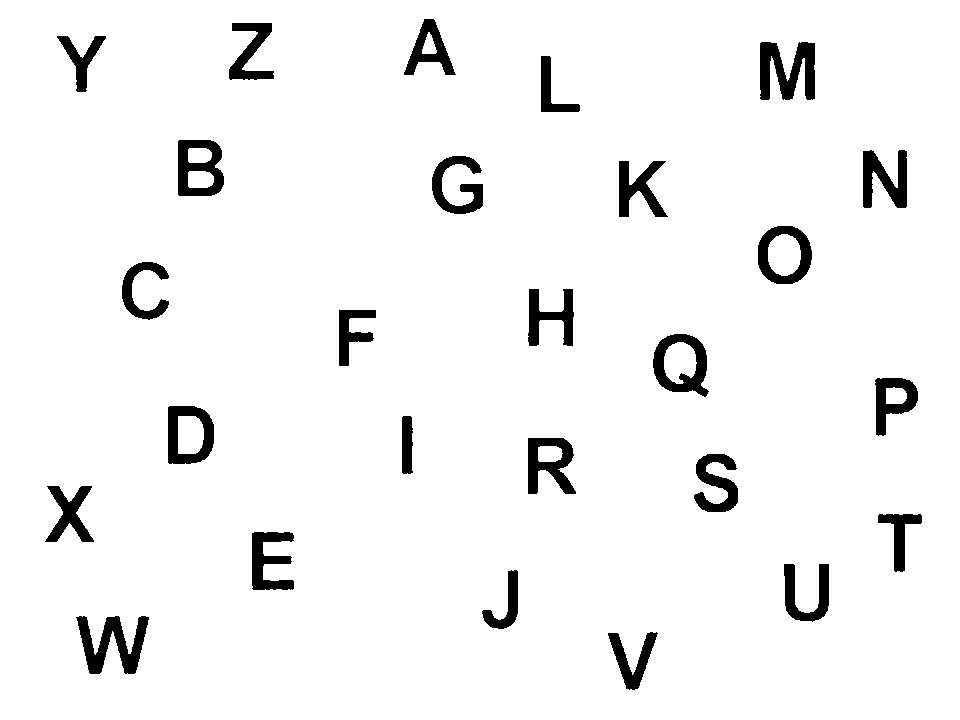
letterImg = ImageApply[If[EuclideanDistance[#, red] < .2, 0, 1] &, img]
giving:

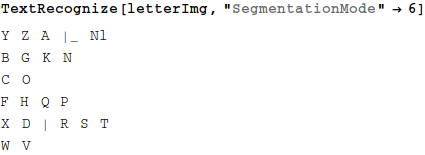
which can be treated with TextRecognize. If one uses the documentation the result is frustrating: It simply does not work! Only when choosing a non-documented (!) option, things appear to work a bit:

I myself learned about this valuable option (and more) from another interesting post of Marco Thiel (thanks Marco!). I do not understand why those details are undocumented. (In case it is documented meanwhile (v10.3.1), then just ignore my last remark.)
Regards – Henrik
[1]: http://community.wolfram.com//c/portal/getImageAttachment?filename=letterImg.png&userId=32203
[2]: http://community.wolfram.com//c/portal/getImageAttachment?filename=TextRecognize.png&userId=32203
[3]: TextRecognize giving inconsistent performance